

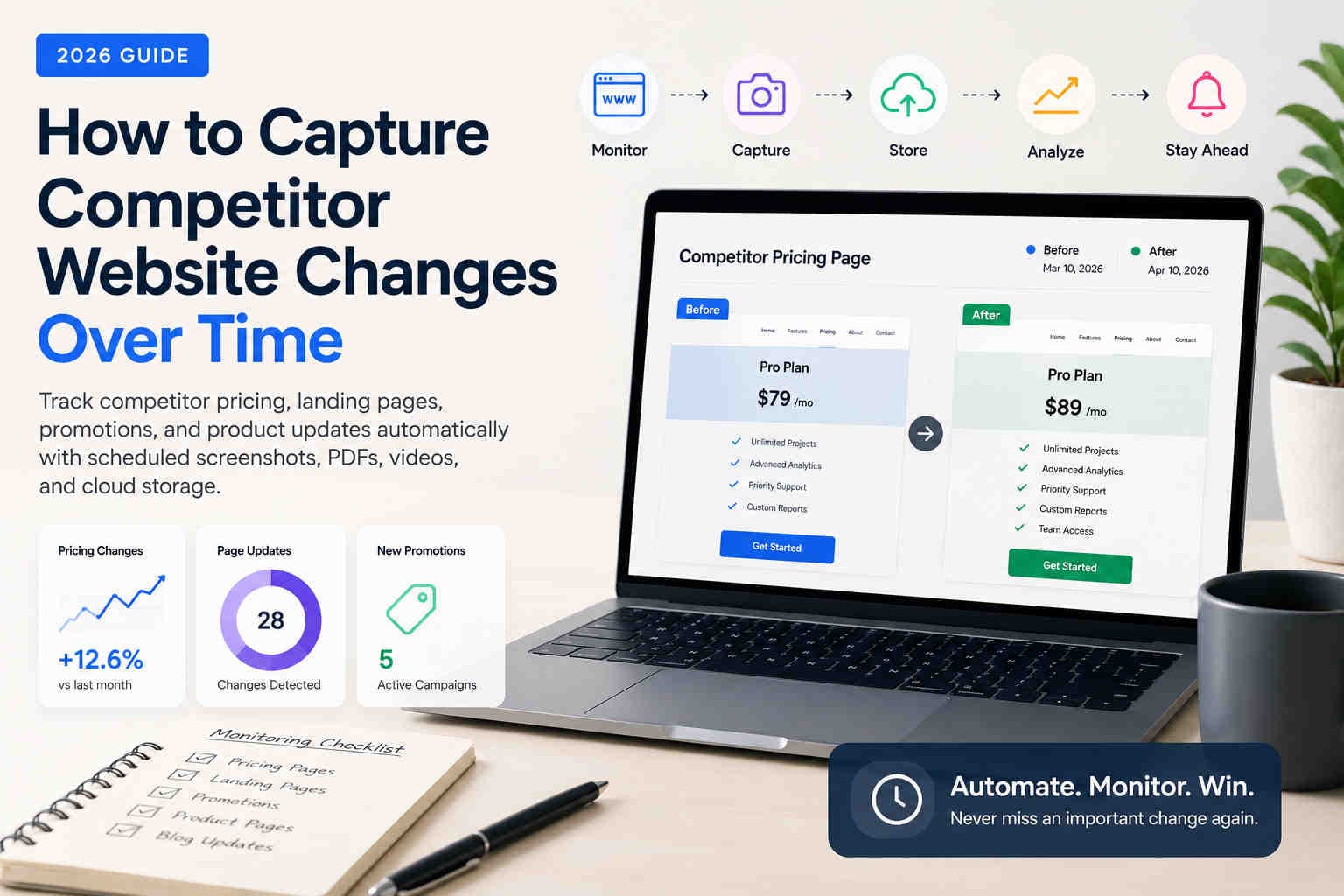
How to Capture Competitor Website Changes
Over Time
Competitors change pricing, positioning, landing pages, campaigns, and product messaging all the time. Learn how to build a reliable visual timeline with scheduled screenshots, PDFs, videos, mobile captures, and cloud storage.
Competitor websites are a public signal of strategy. A pricing update can reveal a new market push. A homepage redesign can show a positioning shift. A new landing page can reveal a campaign before it appears anywhere else.
The problem is that these changes are easy to miss. If you check manually once a month, you may never see temporary discounts, short campaign tests, mobile-only promotions, or messaging experiments. Automated competitor captures solve this by preserving what changed and when.
See competitor pricing, positioning, campaigns, and product updates over time.
Store screenshots and PDFs so your team can compare old and new versions.
Use scheduled captures as evidence during sales, marketing, and product reviews.
Why competitor website tracking matters
Competitor websites change faster than most teams can manually review.
Competitor tracking is not just about curiosity. It helps teams understand how the market is moving and how competitors are positioning themselves to buyers.
- Sales teams can spot new claims, pricing changes, and packaging shifts.
- Marketing teams can track landing pages, offers, and messaging changes.
- Product teams can watch feature pages and comparison tables.
- Leadership teams can review visual evidence instead of anecdotal updates.
Competitor URL
  ↓
Scheduled capture
  ↓
Screenshot / PDF / Video
  ↓
Cloud storage
  ↓
Historical comparisonWhat competitor pages should you capture?
Start with pages that reveal pricing, positioning, campaigns, or product strategy.
Pricing pages
Track plan names, prices, discounts, annual pricing, feature limits, and packaging changes.
Homepage
Capture high-level positioning, hero copy, product claims, CTAs, and launch announcements.
Landing pages
Monitor PPC pages, SEO pages, campaign pages, and conversion-focused messaging.
Feature pages
Watch how competitors describe product capabilities, integrations, and differentiators.
Comparison pages
Track direct competitor comparisons, feature tables, claims, and objection-handling copy.
Legal and policy pages
Preserve terms, privacy policies, disclosures, and compliance statements where relevant.
Pricing and plan changes
Pricing pages are one of the most valuable competitor assets to monitor.
Pricing changes often reveal strategy before a press release does. A competitor may move features between plans, introduce a cheaper entry tier, remove a free trial, add an enterprise CTA, or test temporary discounts.
| Pricing element | What it can reveal |
|---|---|
| Monthly and annual prices | Discounting strategy, price increases, and packaging pressure. |
| Plan names | Target customer segments and market positioning. |
| Feature tables | Which capabilities are becoming premium or commoditized. |
| Promotional banners | Short-term offers, seasonal pushes, or aggressive campaigns. |
Landing pages and positioning changes
Landing pages show how competitors are currently selling.
Competitor landing pages often change faster than main navigation pages. Teams test new headlines, proof points, testimonials, CTAs, product screenshots, and campaign offers.
- Headline and subheadline changes
- CTA wording and placement
- Testimonials and social proof
- Competitor comparison claims
- Industry-specific landing page variations
Promotions and campaign changes
Temporary campaigns are easy to miss unless captures run on schedule.
Competitor promotions can appear for only a few days. Manual checks often miss them. Scheduled captures help preserve short-lived banners, discounts, launch messages, and limited-time offers.
Capture campaign pages
Monitor pages linked from ads, emails, social campaigns, and seasonal promotions.
Capture at local times
Run captures in the timezone where the campaign audience is located.
Mobile and tablet competitor views
Competitors may show different layouts, CTAs, pricing, or banners on mobile.
Mobile competitor tracking is often overlooked, but it can reveal important differences. A competitor may show a shorter pricing table, a different CTA, a mobile-only banner, or a simplified landing page experience.
Check iOS-style mobile layouts and safe-area behavior.
Check Android-style layouts across Galaxy, Pixel, and similar profiles.
Check iPad and Android tablet breakpoints for larger touch layouts.
How often should you capture competitor pages?
Use different frequencies for different competitor pages.
| Page type | Recommended frequency | Why |
|---|---|---|
| Pricing pages | Daily | Pricing and packaging changes are high-signal. |
| Homepage | Daily or weekly | Tracks positioning and major launches. |
| Campaign pages | Every few hours | Promotions can be short-lived. |
| Feature pages | Weekly | Good for product positioning history. |
| Mobile views | Daily or weekly | Useful for responsive and ad landing page tracking. |
Screenshot vs PDF vs Video for competitor tracking
Each format helps your team understand changes differently.
Best for visual proof, before/after comparison, and pricing history.
Best for weekly market reports, stakeholder review, and archived summaries.
Best for scrolling pages, menus, popups, animations, and dynamic flows.
A practical competitor tracking workflow
Keep the workflow simple enough to maintain and structured enough to review.
- 1) Pick 3–10 competitors and list the pages worth monitoring.
- 2) Create schedules for pricing, homepage, landing pages, and feature pages.
- 3) Add mobile profiles for important competitor pages.
- 4) Capture screenshots daily and PDFs weekly for review packs.
- 5) Deliver files to Drive, Dropbox, or S3-compatible storage.
- 6) Review changes weekly and summarize important shifts.
Common competitor tracking mistakes
Competitor monitoring works best when it is consistent and organized.
- Checking manually: manual reviews miss temporary campaigns and overnight changes.
- Only monitoring homepages: pricing, landing pages, and comparison pages often contain stronger signals.
- Ignoring mobile: competitor ads and mobile users may see different pages than desktop users.
- No naming structure: a visual archive is useless if your team cannot find the right date quickly.
- Capturing too rarely: monthly screenshots can miss short campaigns and pricing tests.
FAQ
Quick answers.
Create scheduled browser captures for competitor URLs, generate screenshots, PDFs, or videos, and store them in cloud storage so your team can review changes over time.
Start with pricing pages, homepages, key landing pages, feature pages, and comparison pages. These usually reveal the highest-value market signals.
Daily is a strong baseline. During launches, seasonal campaigns, or industry events, increase frequency temporarily to avoid missing short-lived changes.
Yes. Competitors may show different pricing layouts, banners, CTAs, and landing pages on mobile devices. Monitor at least one iPhone and one Android profile for important pages.
Start competitor tracking with scheduled captures
Capture competitor pricing, landing pages, campaigns, and mobile views on a schedule. Store every screenshot, PDF, and video in your own cloud storage for easy weekly review.
TL;DR
The simple version.
- Competitor websites reveal pricing, messaging, campaign, and product strategy.
- Monitor pricing pages, homepages, landing pages, feature pages, and comparison pages.
- Use screenshots for visual history, PDFs for reports, and videos for interactions.
- Capture pricing pages daily and campaign pages more frequently during launches.
- Include mobile and tablet captures for important competitor pages.