

Blog
Guides on capturing the web
Automation, archiving, compliance and cloud delivery — written from what we see teams actually run into.

Give Your AI Assistant Eyes: Website Screenshots Through MCP
An assistant that can only read your words cannot see the page you are talking about. How the Model Context Protocol lets Claude, Cursor or VS Code capture and read live web pages on your account, what to ask for, and how to keep it safe.
Read article
How to Take a Full-Page Screenshot of Any Website (Without the Gaps)
Blank images halfway down, a header repeated every screen, a cookie banner over the hero. Why full-page screenshots go wrong, how to take one in Chrome and Firefox, and the settings that make every capture of a long page come out whole.
Read article
Why Your Team Needs a Screenshot API (Not a Screenshot Habit)
Manual captures fail in the same way every time: inconsistently, and only once they matter. When a screenshot API earns its place, what a good one looks like, and the four workflows worth automating first.
Read article
Geo-Targeted Screenshots: Capture What Another Country Sees
The same URL serves different prices, currencies and offers depending on where the request comes from. How to capture a page as a visitor in a specific market sees it — and how to compare regions without fooling yourself.
Read article
Element Screenshots: Capture One Part of a Web Page
Capturing a whole page means every unrelated change looks like a change. How element capture with XPath works, how to write selectors that survive a redesign, and when a full-page capture is still the right answer.
Read article
How to Screenshot Pages Behind a Login (Safely)
Dashboards and member areas are the pages teams most want a record of, and the ones a naive capture returns as a sign-in form. How authenticated captures work, and how to do it without handing over a password.
Read article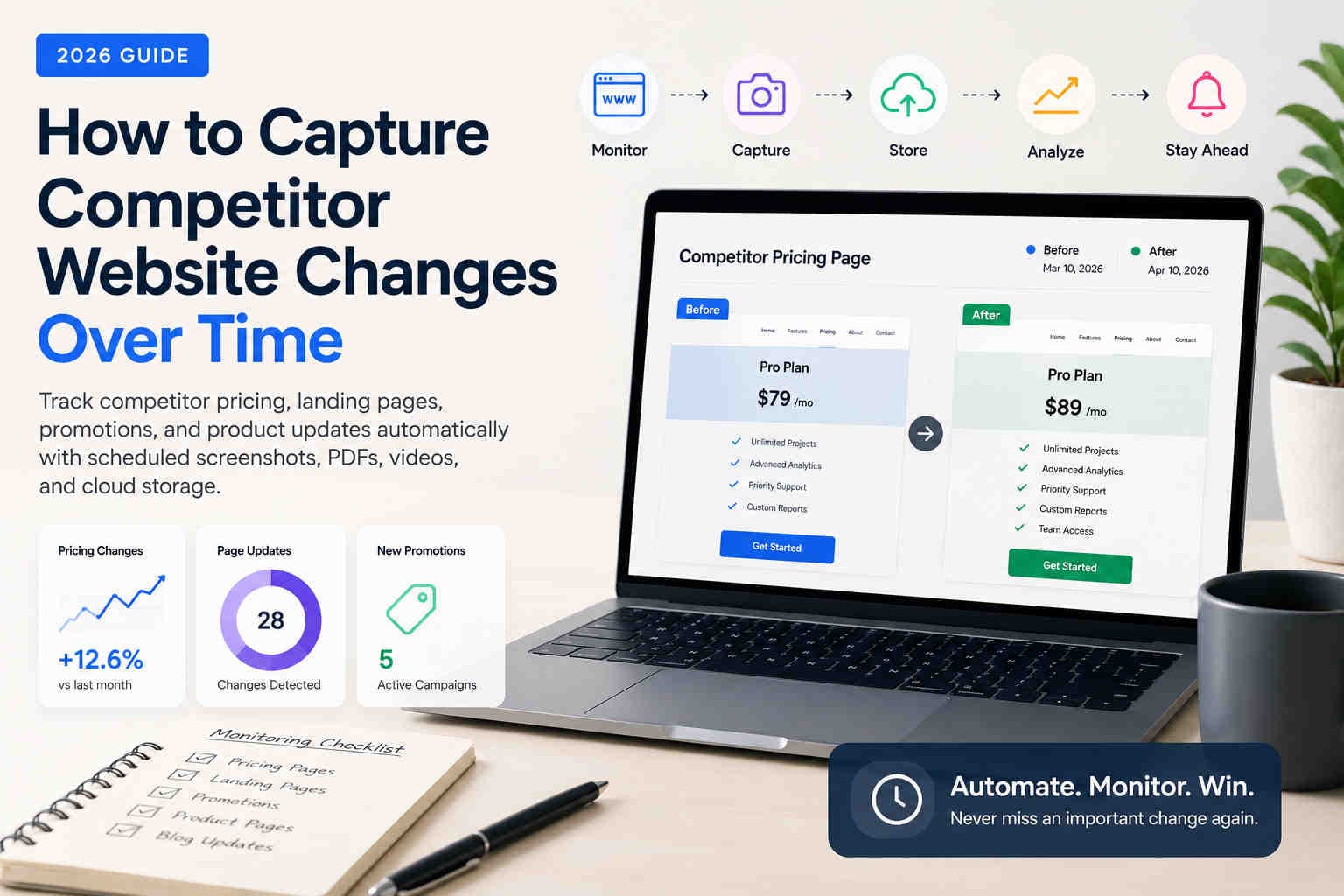
How to Capture Competitor Website Changes Over Time
Learn how marketing teams, agencies, and compliance professionals track competitor pricing, landing pages, promotions, and website updates over time using automated screenshots, PDFs, videos, and scheduled browser captures.
Read article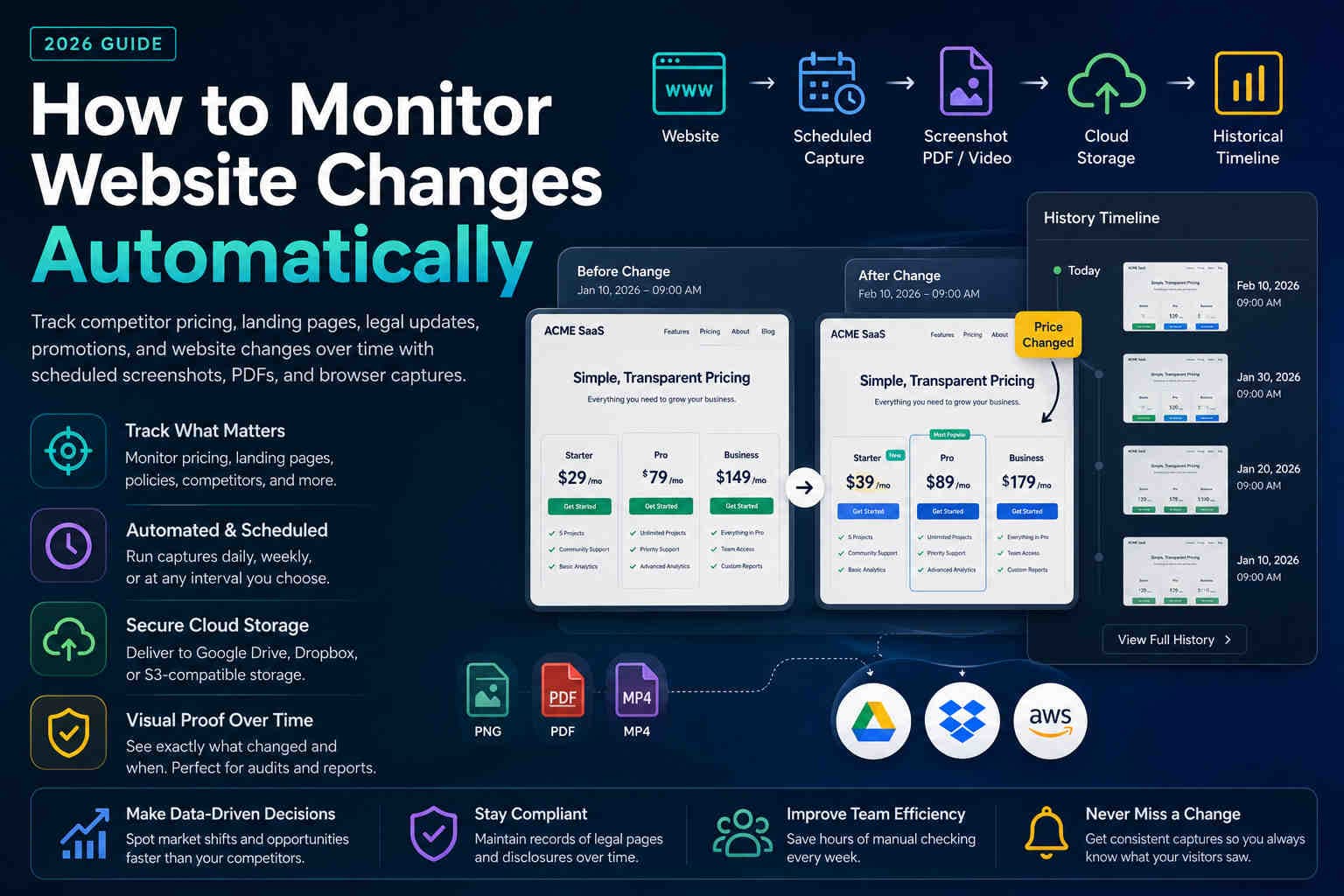
How to Monitor Website Changes Automatically in 2026
Learn how to automatically monitor pricing pages, competitor websites, legal policies, and landing pages using screenshots, PDFs, and scheduled browser captures.
Read article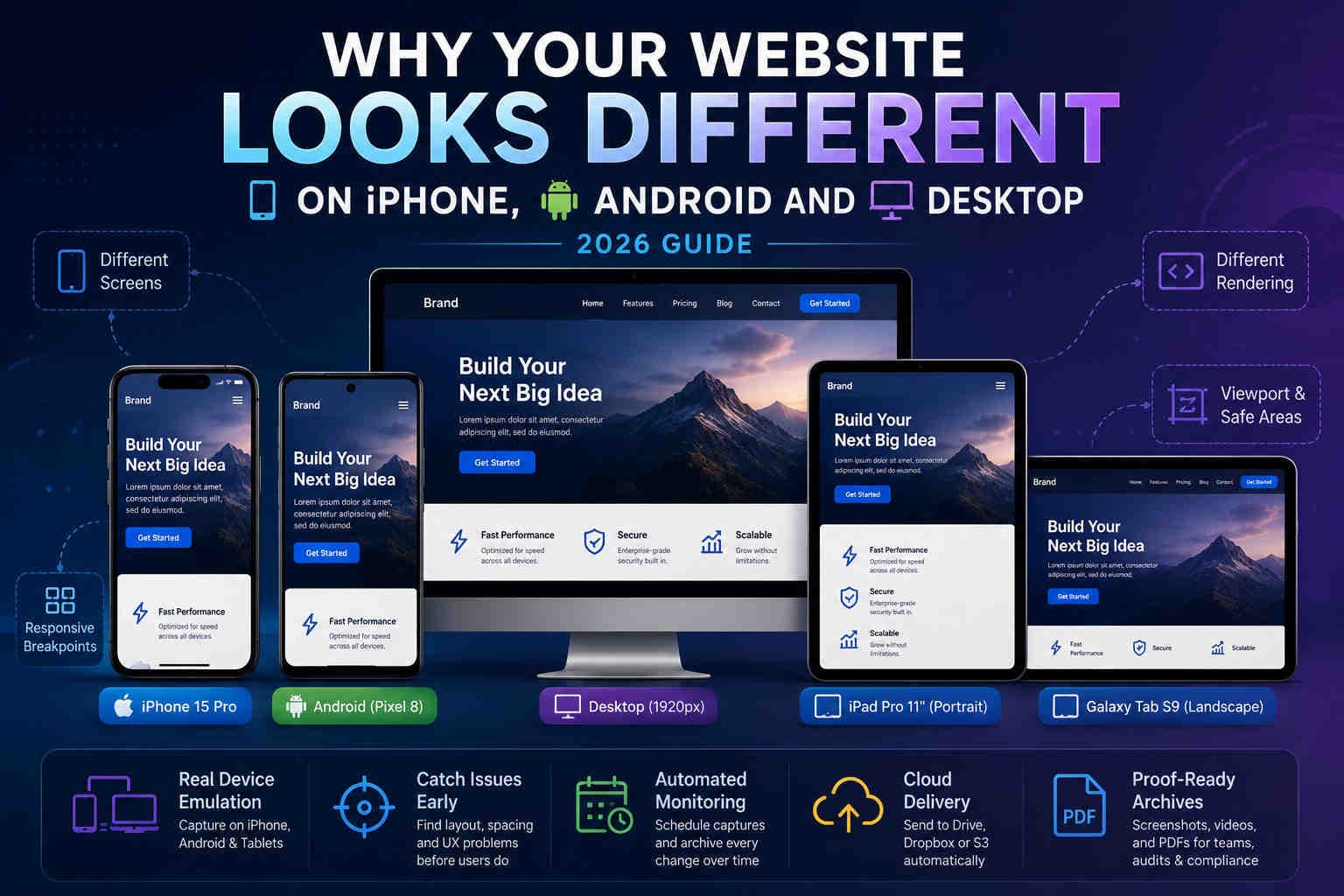
Why Your Website Looks Different on iPhone, Android and Desktop
Learn why responsive websites render differently across iPhone, Android, tablets and desktop — and how automated mobile screenshots help catch issues before users do.
Read article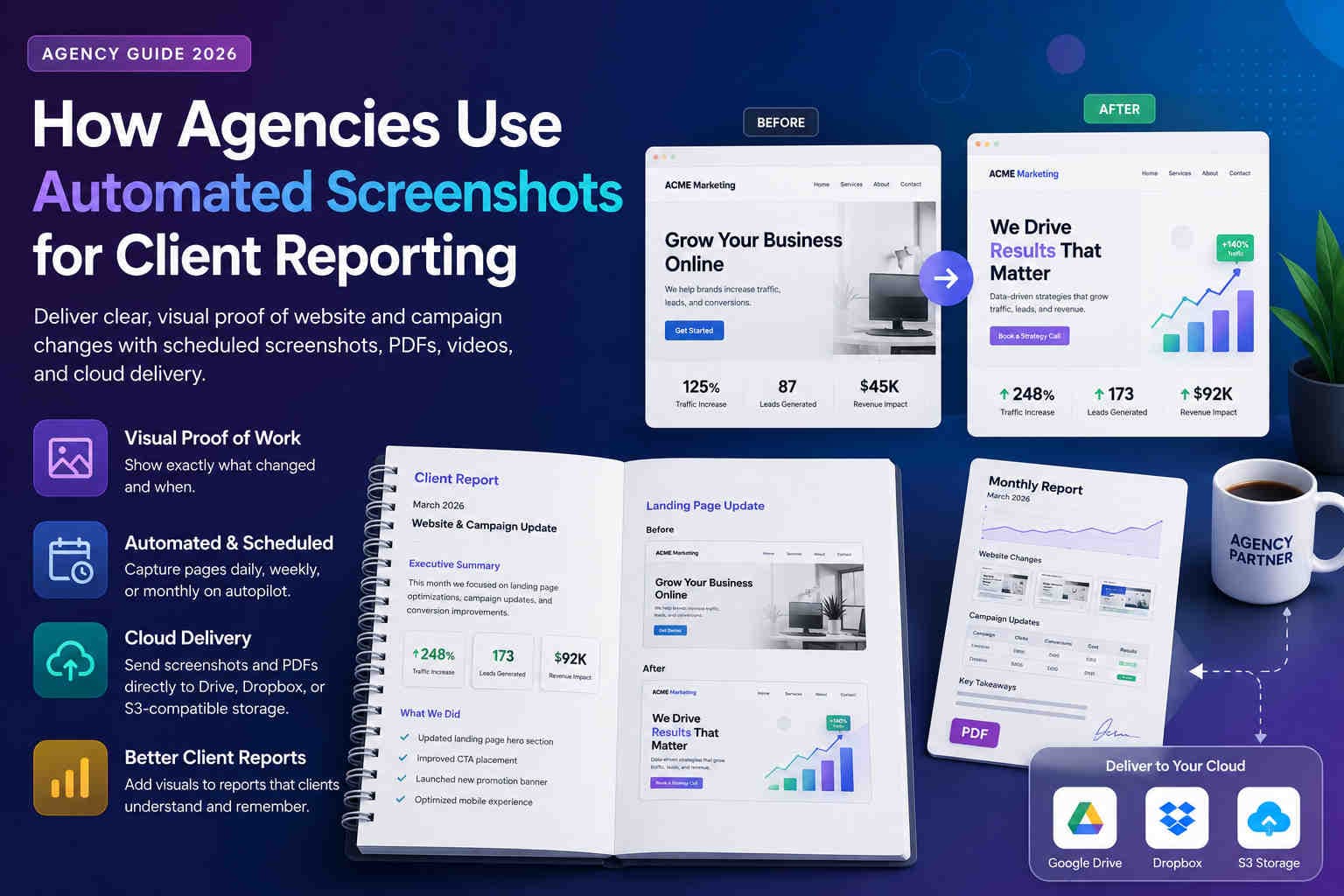
How Agencies Use Automated Screenshots for Client Reporting
Learn how SEO, PPC, design, and compliance agencies use automated screenshots, PDFs, videos, and cloud delivery to create clearer client reports and prove website changes.
Read article
PDF vs Screenshot for Website Archiving (Compliance & Proof) – 2026 Guide
Choosing the right format matters. Learn when PDFs are best for audit packs, when screenshots are best for proof, and how to store both with clean naming and retention.
Read article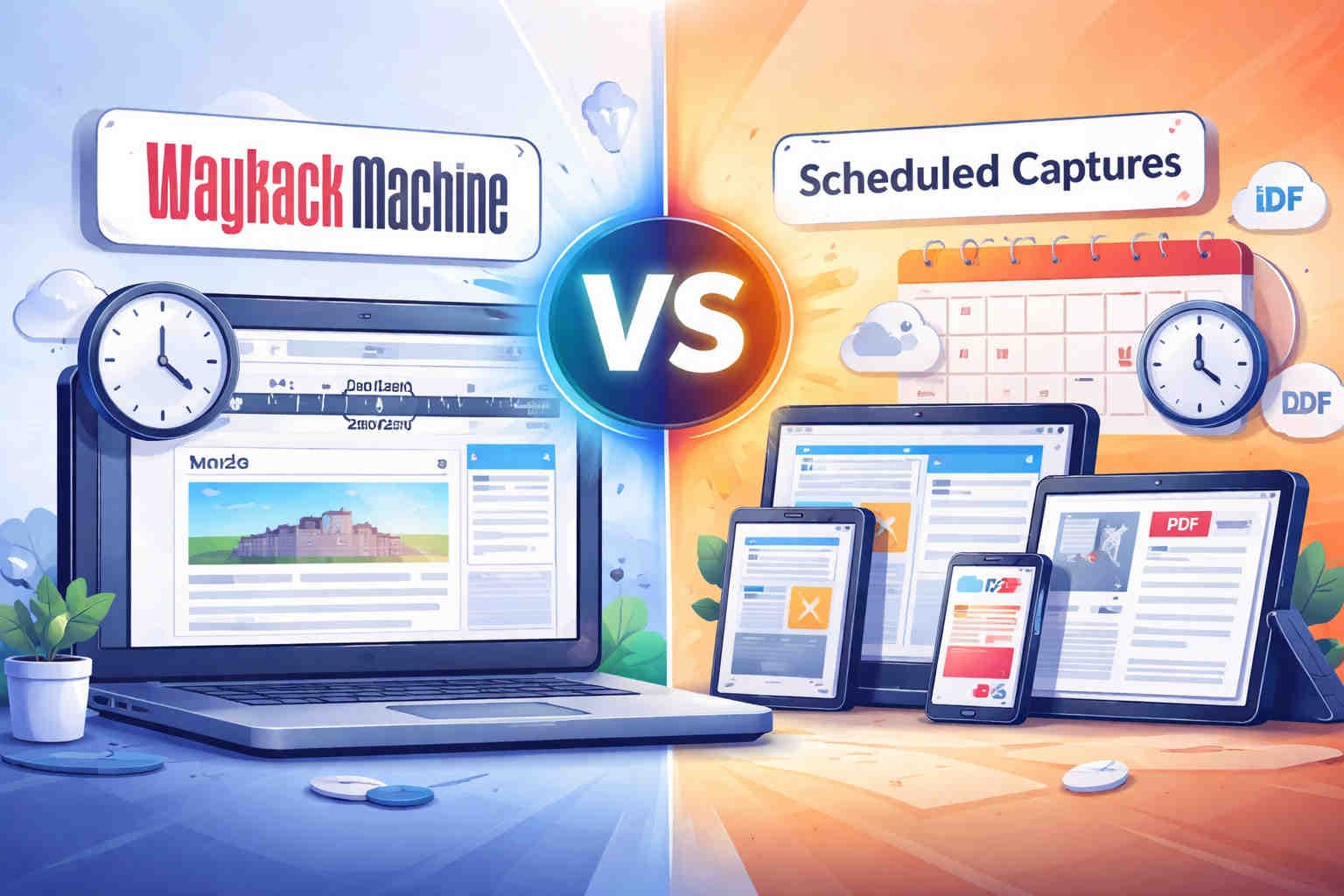
Wayback Machine vs Scheduled Captures (Screenshots, Videos & PDF) – 2025 Guide
Compare Wayback with scheduled browser captures. Learn what works for compliance proof, login pages, accurate timing, cloud delivery, and PDF archiving.
Read article
How to Schedule Daily Website Screenshots (2026 Guide)
Step-by-step guide to setting up automated full-page captures with your exact timezone and cloud storage.
Read article
Web Archiving in 2025 – Best Practices & Tools
Preserve visual history, prove compliance, and never lose a website again.
Read article
How to Use Website Screenshots as Legal Proof
Make your screenshots defensible for disputes, audits, or legal documentation.
Read article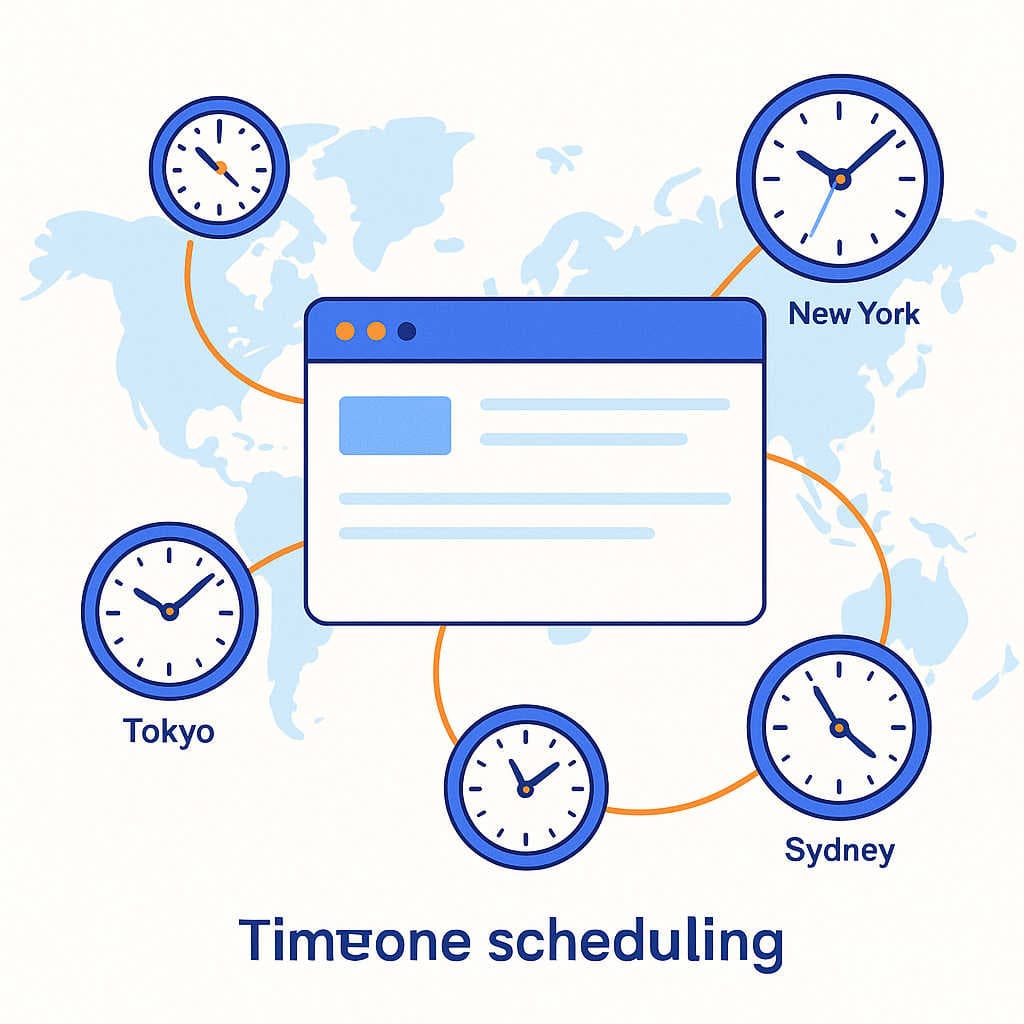
Why Timezone Scheduling Matters for Automated Screenshots
Capture at the real local time—so 9 AM means 9 AM in that region, not UTC.
Read article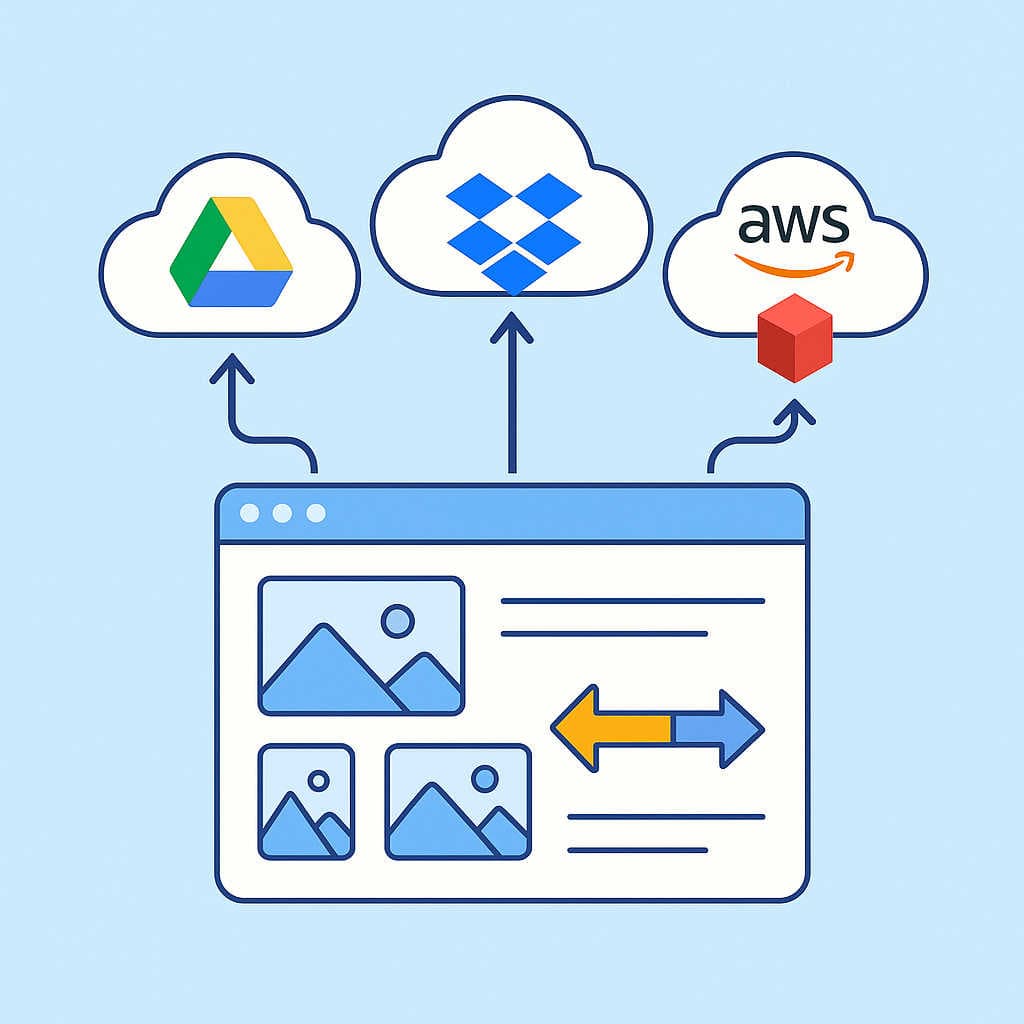
Google Drive vs Dropbox vs AWS S3 for Screenshot Storage
Pick the right destination for automated delivery at scale—cost, reliability, and access.
Read articleReady to automate the captures?
Everything in these guides is something you can set up in a few minutes and leave running.