

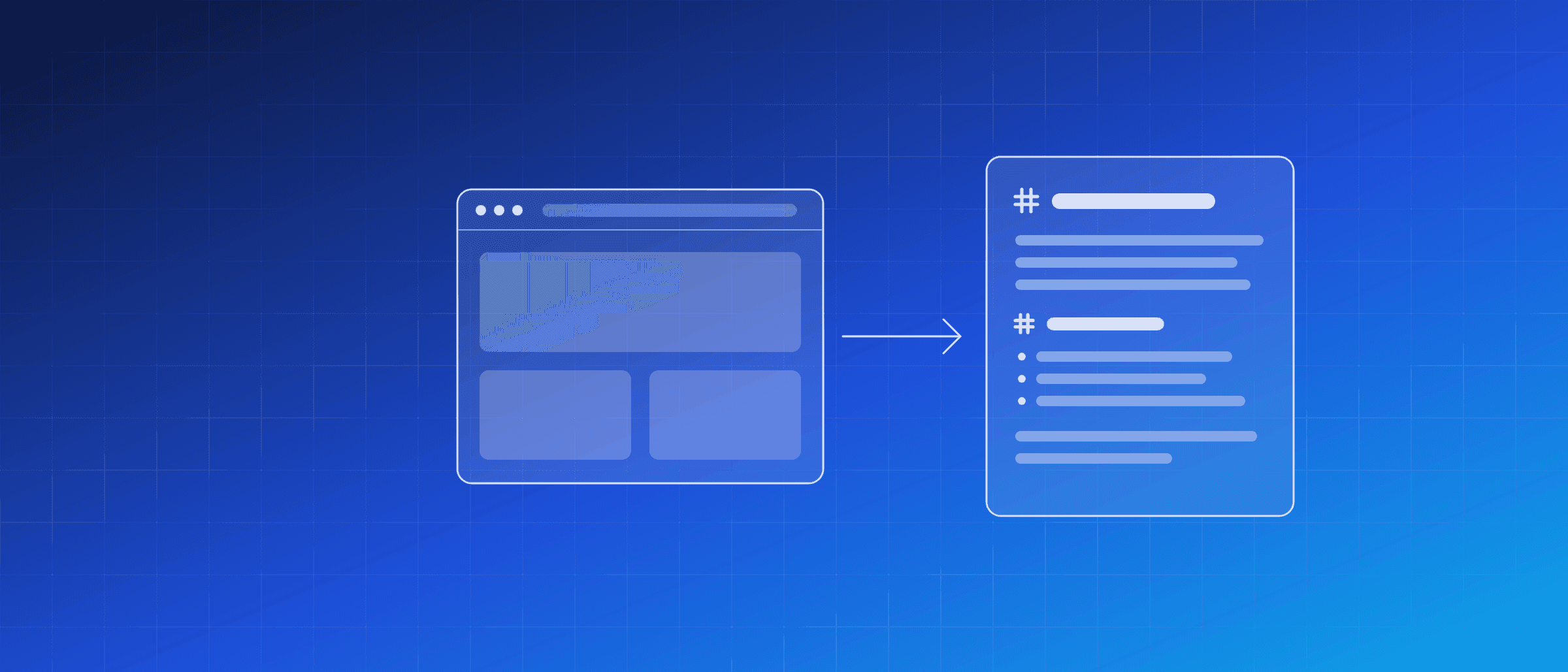
Turn any web page into clean Markdown for an LLM
Give a language model the HTML of a page and most of what it reads is not the page: menus, tracking scripts, a cookie banner, the footer. Give it the content alone and it has room to think about your question.
· 4 min read
Why raw HTML is a poor prompt
The words a person reads on a typical page are a small part of what the server sends. The rest is markup, navigation repeated on every page, scripts and styling. Send all of it to a model and you pay for it twice: in tokens, and in answers that quote the cookie notice. Fetching the HTML yourself has a second problem. Many pages build their content with JavaScript, so a plain HTTP request gets an almost empty shell.
One call, the text back
The Instant Snap API captures pages as images, PDFs and video. It can also return what a page says. Set media_category to content and choose a format:
curl -X POST https://api.websitescreenshotworld.com/instant-snap/v1/captures \
  -H "X-Api-Key: wsw_api_..." \
  -H "Content-Type: application/json" \
  -d '{
    "url": "https://example.com/blog/post",
    "media_category": "content",
    "format": "markdown",
    "response_type": "by_format"
  }'
With response_type set to by_format, the answer is the text itself, as text/markdown, ready to put in a prompt. With json you get the capture details and a download link instead, as for any other capture. The parameters reference has every field.
payload_too_large and is not charged. Two megabytes is far more than a model should be given in one go anyway, so for long pages, split the Markdown by its headings and send the parts that matter.Why a real browser matters
The page is loaded in a real browser, exactly like a screenshot. That has three practical effects:
- JavaScript pages work. Content that appears only after scripts run is in the result.
- Location applies. The
proxyoption reads the page as a visitor in another country sees it, which matters for prices and availability. - Signed-in pages are possible.
headersandcookiesapply, so a page behind a login can be read with a session you provide.
Markdown or plain text
- markdown keeps headings, lists, links and tables. Choose it when structure helps: documentation, comparison tables, anything you will split into sections or cite links from.
- text is the same content without markup. Choose it for search indexes, embeddings or word counts, where the symbols only add noise.
If you would rather not call the API yourself, an assistant can: the MCP server exposes this as a tool, so Claude, Cursor or VS Code can read a live page while they work.
FAQ
What is left out of the content?
Navigation, footers, ads, cookie banners and scripts. What comes back is the readable main content of the page: the article, the documentation or the product text.
Does it work on pages built with JavaScript?
Yes. The page is loaded in a real browser, exactly like a screenshot, so content that only appears after scripts run is there.
Is a content capture charged differently from a screenshot?
No. It counts as one capture against the same allowance as an image, and it is charged only when it succeeds.
Can an AI assistant do this by itself?
Yes. The MCP server offers the same thing as a read_page tool, and the n8n node offers it as Get Page Content, which an n8n AI agent can call as a tool.